
What to Do When You Inherit a Home Protection System
If you’ve just moved into a home with an existing home protection system already installed, you’re not alone – and the decisions in front of you matter more than most people realize.
Here’s a quick overview of your main options:
| Your Situation | What You Can Do |
|---|---|
| Inherited professionally installed system | Confirm equipment ownership, review any contract status, renegotiate, or replace the system |
| Want to keep professional monitoring | Sign a new monitoring agreement only after comparing terms, costs, and service options |
| Want more flexibility | Switch to a contract-free DIY smart security setup with portable equipment |
| Want to self-monitor | Choose an app-based plan that sends alerts directly to your phone |
| Want to leave the old system behind | Evaluate equipment ownership, wiring, and any remaining obligations first |
The challenge is that traditional professional security systems and modern DIY smart security systems work very differently. One often involves multi-year professional monitoring commitments. The other gives you more flexibility, portability, and control. Knowing which type you’ve inherited, and what your options are, can save you hundreds of dollars and a lot of frustration.
A legacy security system can still be useful, but it may also come with serious commitments. Before you sign anything or make changes, you need to understand exactly what you’re working with.
I’m Dominic Hesano, a home and business automation professional and the founder of SmartMait, a franchise concept specializing in smart technology, security, and connected device solutions – including helping clients navigate inherited or outdated home protection setups. In this guide, I’ll walk you through everything you need to know to make a smart, informed decision without getting locked into something that doesn’t fit your needs.
Understanding Your Inherited Home Protection System
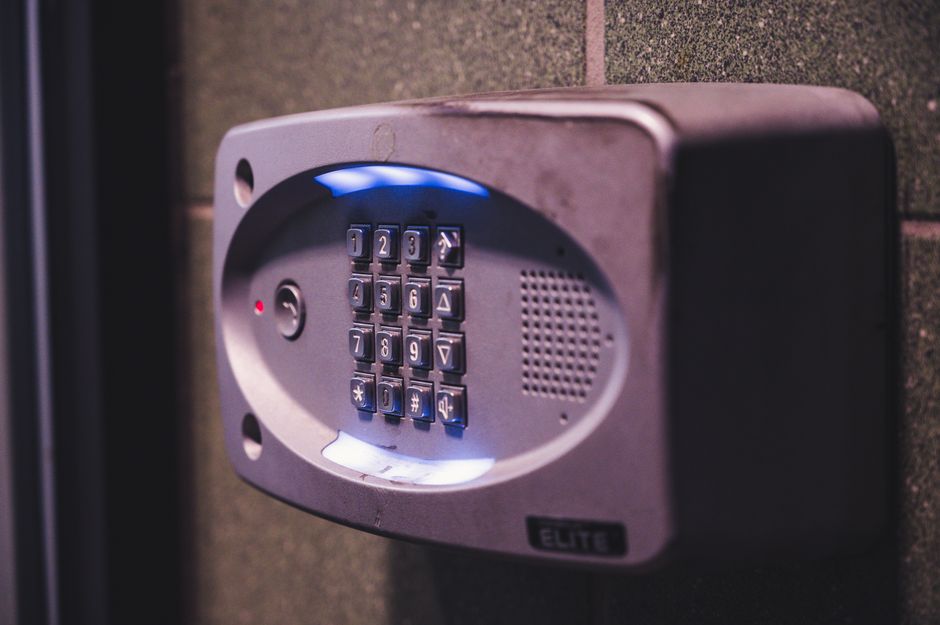
When you cross the threshold of your new home, one of the first things you will likely notice is a glowing keypad on the wall near the front door. This physical hardware represents a legacy of home protection that may or may not align with your current smart home goals.
Before you press any buttons or call the number printed on the window sticker, you need to determine the status of the system. Inheriting a security setup usually places you in one of three scenarios:
- The inactive, owner-owned system: The previous homeowner paid off the equipment in full, and their contract has expired. The hardware may stay with the home, but it is currently unmonitored.
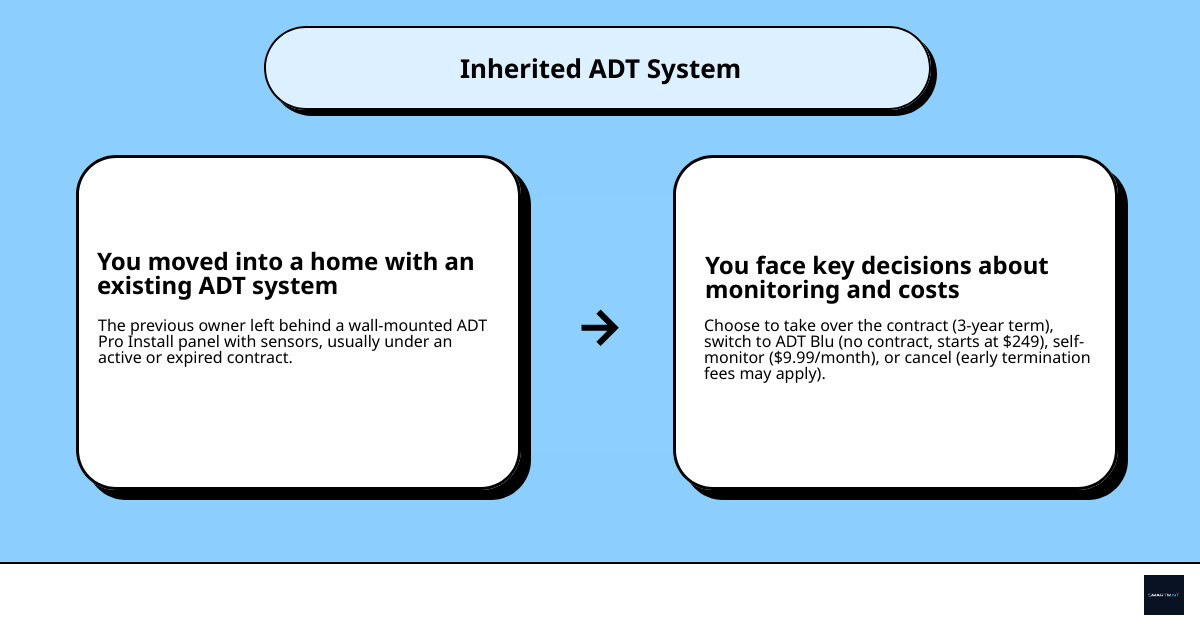
- The active contract takeover: The previous owner was mid-contract and wants to transfer the remaining obligation to you, or a monitoring provider is encouraging you to assume an existing agreement.
- The leased-equipment issue: Some legacy installations involve leased hardware. If you do not activate a subscription, the provider may technically own certain panels or sensors, though policies vary by agreement.
Reactivating an inherited system is not always as simple as flipping a switch. If you decide to go the traditional route, a monitoring provider may require you to sign a brand-new agreement. To avoid making a hasty decision under pressure from sales representatives, it helps to understand how this hardware fits into a broader home ecosystem. We recommend taking a step back and reading How to Choose the Ultimate Automated Home Security Systems Without Losing Your Mind to frame your security choices within a modern, automated context.
Evaluating Existing Home Protection Hardware
Before deciding whether to keep, upgrade, or scrap the system, you must conduct a thorough physical audit of the hardware left behind. A standard professionally installed home protection setup usually consists of several key components:
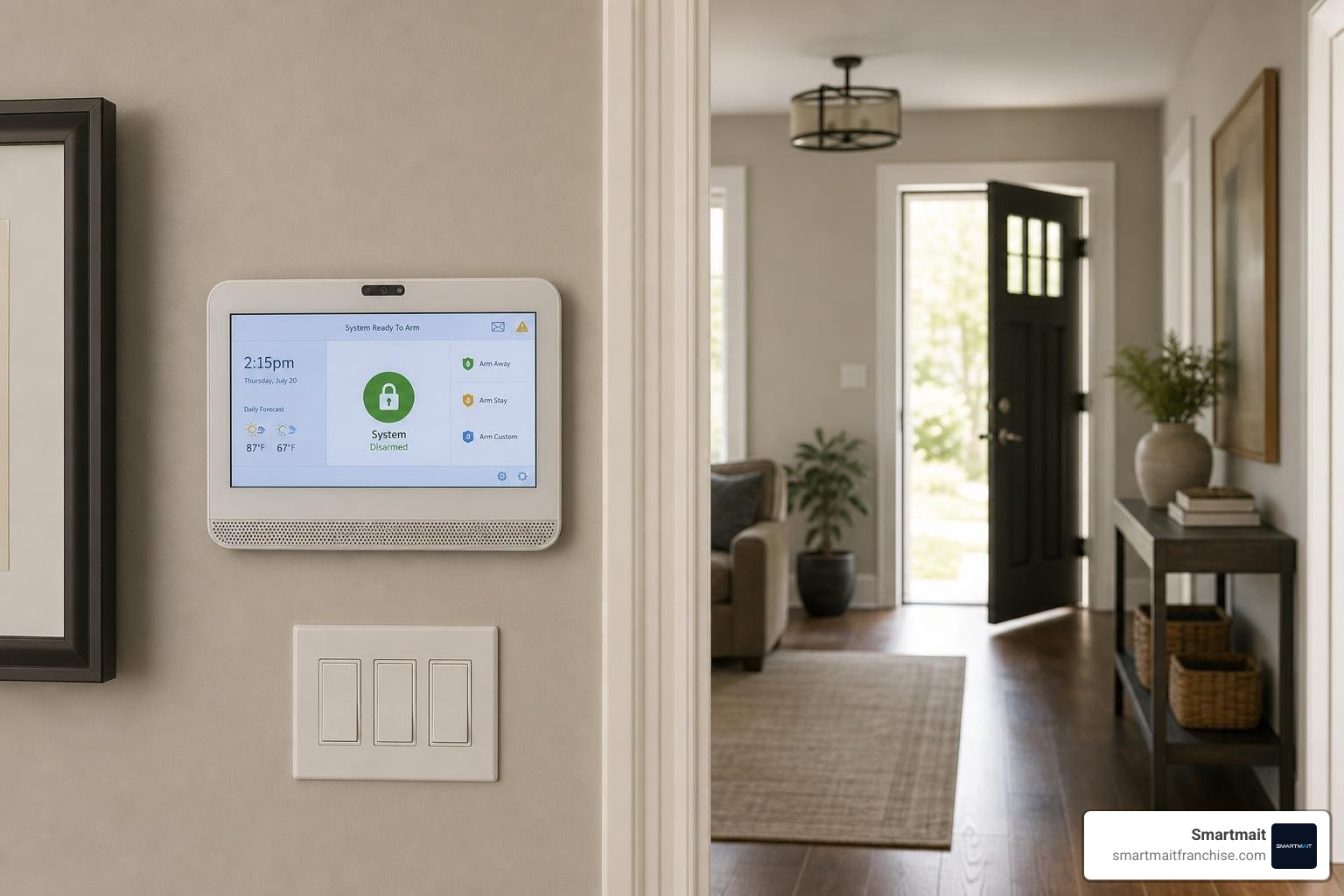
- The Base Station/Panel: This is the brain of the system. Older installations might feature a bulky, hardwired wall panel, while newer setups may use a sleek touchscreen hub.
- Door and Window Sensors: These magnetic contacts trigger an alarm when a door or window is opened. Check if they are wireless and battery-powered or hardwired into the door frames.
- Motion Detectors: Usually mounted in the corners of high-traffic areas, these detect infrared heat signatures.
- Glass Break Sensors: Positioned near sliding doors or large windows, these listen for the specific frequency of breaking glass.
If you inherit older, wired sensors, do not rush to rip them out. Hardwired sensors are incredibly reliable and do not require battery replacements. However, integrating them into a modern smart home platform can be tricky without specialized conversion bridges. If your inherited system includes older cameras, you may want to evaluate their resolution and placement. For a deeper dive into how camera setups function and how to optimize them, check out our guide on CCTV Systems Installation: Wired and Wireless Setup Made Easy.
Contract Terms and Moving Policies for Home Protection Systems
If you decide to adopt an existing home protection system, you must prepare for the provider’s contract terms. Traditional professional installation plans often require a multi-year contract, commonly around 36 months, though terms vary by provider, region, equipment financing, and promotion.
This long-term commitment is one of the most polarizing aspects of traditional monitored service. If you need to cancel before the contract term ends, early termination fees may apply and can be substantial. Always request a copy of the agreement, confirm who owns the equipment, and review cancellation language before signing.
If you are the one moving out of a home with this system, the moving policy may require advance notice. If you are moving into a home that already has a system, you have negotiating leverage. You are under no automatic obligation to adopt the previous owner’s contract unless you separately agree to it. You can demand a fresh contract with updated equipment, negotiate a lower monthly monitoring rate, or opt out entirely to choose a contract-free path.
Professionally Installed vs. DIY Smart Security: Which Path is Right for You?
To make the right choice, you must understand the deep divide between two primary product categories: professionally installed home security and DIY-first smart security.
The path you choose dictates your upfront costs, installation experience, and long-term flexibility:
- Professionally Installed Security: Designed for permanent homeowners who want a hands-off, white-glove setup. It often features custom-tailored configurations, technician installation, and professional monitoring.
- DIY Smart Security: Designed for renters, budget-conscious buyers, or hands-on homeowners. It is typically contract-free, portable, and may allow both professional monitoring and self-monitoring.
If you value the freedom to change your mind, pack up your system when you move, or pause monitoring during certain seasons, the DIY approach may be your best bet. If you want to learn how to manage a self-installed setup successfully, read The Ultimate No-Stress Guide to DIY Home Security Setup.
The Professional Installation Experience
If you choose the professional installation path, you usually will not rely on a one-size-fits-all box. Instead, the process often begins with a phone, virtual, or in-home consultation. A technician or system designer can assess your home’s entry points, layout, and unique vulnerabilities.
During this process, a certified technician handles the physical installation. This professional touch offers distinct advantages:
- Optimized Sensor Placement: Technicians know where to place motion sensors to reduce false alarms from pets and where to angle cameras for better coverage.
- System Optimization: They handle the complex task of programming the base station and ensuring compatible smart home devices communicate properly.
- No Heavy Lifting: You won’t need to climb ladders, drill into brick, or troubleshoot pairing failures.
However, professional installation can come with installation fees and may limit your ability to modify the system yourself later, depending on the provider and equipment. For those who want to understand the technical nuances of professional camera placement and system design, see our complete guide: Stop Thief! A Complete Guide to Video Surveillance System Installation.
The DIY Smart Security Experience
For those who want to avoid long-term contracts and professional installation fees, a DIY smart security setup can be a compelling alternative. Many starter packages are designed to be installed quickly without heavy-duty tools.
Because many modern sensors use strong adhesive backing, you can install them on doors and windows without drilling holes into your trim. This makes the DIY option popular for renters and homeowners who want a portable system. If you move, you can often pack up your base station and sensors and reinstall them in your new home.
The trade-off is that you are responsible for troubleshooting your own network connections, changing sensor batteries, and making sure alerts are routed correctly. If you are leaning toward a DIY camera setup but aren’t sure which hardware fits your floor plan, our resource on DIY Home Security Camera Setup Help Me Pick the Best System can help you make an educated decision.
The Real Cost of Home Security: Equipment, Monitoring, and Add-Ons
Let’s talk numbers. A full-featured home security system can be a premium investment, and the pricing structure often reflects the level of equipment, monitoring, installation, and support included.
When calculating the total cost of ownership for a system, you must look at three distinct buckets: upfront equipment costs, installation fees, and recurring monthly monitoring fees.
- Upfront Equipment: Professionally installed systems often cost more upfront, especially as you add cameras, smart locks, environmental sensors, and connected controls. Many providers offer financing options, but financing can extend your commitment.
- Installation Fees: Professional installation may involve a separate setup fee. DIY systems usually avoid this cost because you install the hardware yourself.
- Monthly Monitoring: This is where long-term costs accumulate. Professional monitoring generally costs more than self-monitoring, but it can include 24/7 emergency dispatch, cellular backup, and ongoing support.
Equipment and Add-On Pricing
If you want to expand your inherited system or build a custom setup, you can choose from a wide range of individual add-ons. Pricing varies by brand, features, installation requirements, and whether the device is purchased outright or bundled into a service agreement.
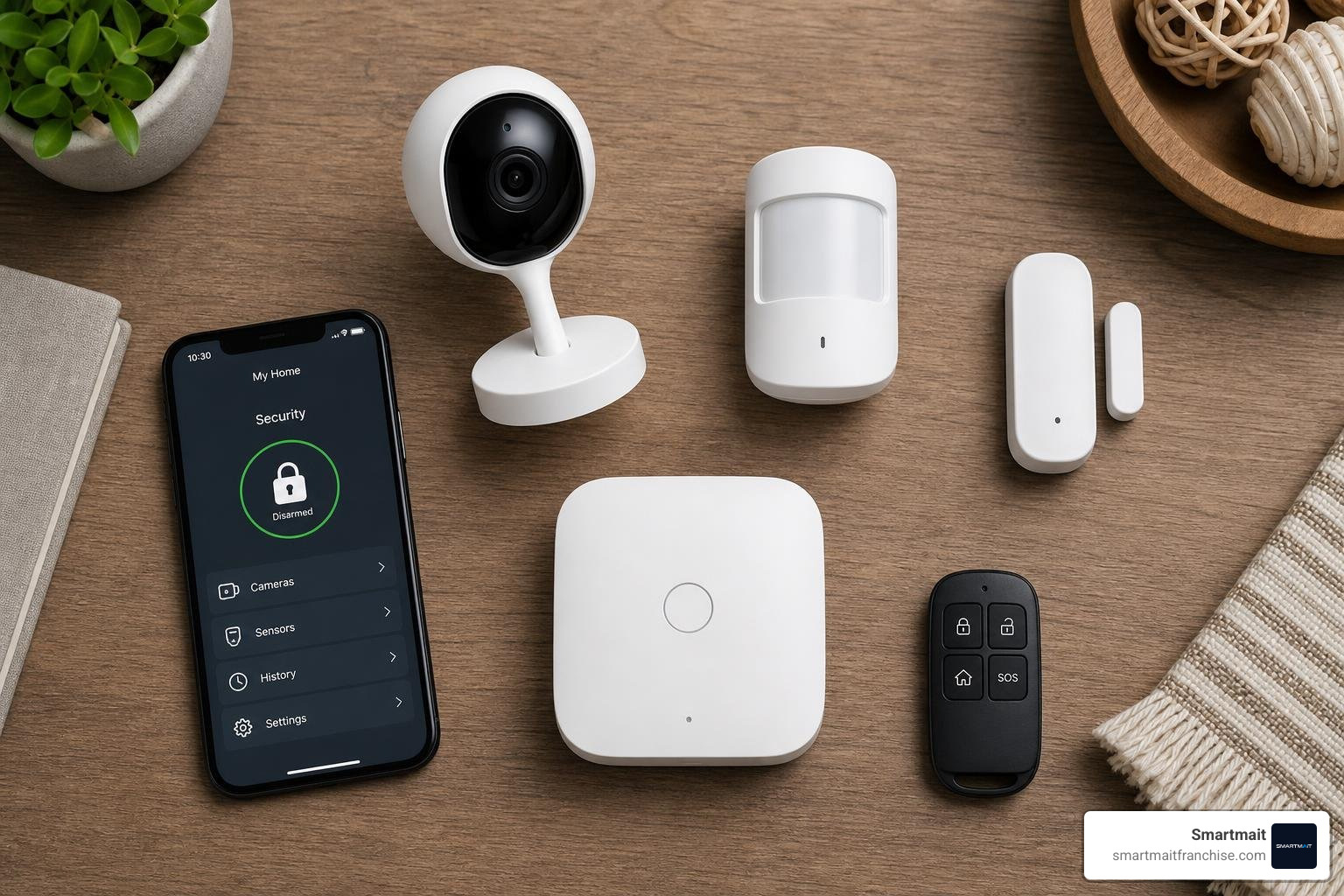
Here is a breakdown of common equipment types you can expect to evaluate:
| Equipment Type | Estimated Cost Range | Key Benefit |
|---|---|---|
| Outdoor/Indoor Smart Camera | $100 – $250 | High-definition video, intelligent alerts, weather-resistant options |
| Smart Door Lock | $150 – $250 | Keyless entry, remote locking, smart home integration |
| Door/Window Sensor | $25 – $50 | Compact, triggers instant alerts upon entry |
| Glass Break Sensor | $70 – $90 | Detects the sound of breaking glass within a defined range |
| Smoke & CO Detector | $100 – $120 | Multi-hazard detection and faster emergency awareness |
Adding environmental sensors is highly recommended. The National Fire Protection Association provides smoke alarm guidance for homeowners, and monitored smoke and carbon monoxide detection can add another layer of protection. Adding even one or two of these devices to your system may also help you qualify for discounts on your homeowner’s insurance, depending on your carrier.
Monitoring Plans and Value Justification
Why do many homeowners pay a premium for professional monitoring? The answer lies in convenience, emergency routing, and redundancy. A professionally monitored system can help ensure that an alarm event is reviewed even if you are asleep, away from your phone, or unable to call for help.
For a traditional monitored system, your monthly fee may cover 24/7 coverage, cellular backup, professional dispatch, app access, and support. More advanced plans may also include video storage, intelligent camera alerts, or smart home automation features.
With many modern smart security systems, you can choose between two main paths:
- Self-Monitoring: You receive push notifications on your phone when a sensor is triggered, and you are responsible for calling 911 or checking the situation.
- Professional Monitoring: You get 24/7 monitoring, emergency dispatch support, and often cellular backup protection.
Video verification is also worth considering. When supported by your equipment and monitoring plan, video verification can allow an operator to confirm whether an alarm appears to involve an active emergency. In some jurisdictions, verified alarms may receive a different response priority than unverified alarms, though policies vary by local agency.
Day-to-Day Life and Smart Home Integration
An alarm system is only useful if you actually use it. If a system is clunky, slow, or prone to false alarms, you will eventually stop arming it.
Modern home protection relies heavily on mobile app control. A good app becomes your digital command center. From the app, you may be able to arm or disarm your system, view live camera feeds, adjust smart thermostats, and lock or unlock your doors.
One of the most useful developments in connected security is the ability to coordinate access, cameras, locks, and alerts. For example, if a smoke detector goes off while you are at work, a properly configured smart home system can help you remotely unlock a door for a trusted neighbor, verify activity through a camera, and lock the door again when the situation is resolved.
For smart home enthusiasts, compatibility matters. Many modern hubs include a Z-Wave radio, allowing them to serve as smart home controllers for compatible light switches, smart plugs, locks, and water valves. Many systems also integrate with Amazon Alexa and Google Home for voice control, though compatibility varies by platform and device.
To ensure your system runs smoothly day in and day out without network drops or sensor failures, regular maintenance is key. We have put together a comprehensive checklist to help you keep your entire home’s systems in peak condition – check out Your Complete Home Maintenance Services List and Printable Checklist to stay on top of your smart home maintenance.
Frequently Asked Questions About Inherited Security Systems
Navigating inherited security systems can raise a lot of questions. Here are the answers to the most common queries we receive from homeowners.
What happens to the system during a power outage or Wi-Fi failure?
This is one of the most common concerns for new homeowners. If a storm knocks out your power or a burglar cuts your internet cable, your home may still have protection depending on the hardware and monitoring plan.
Many modern base stations feature a built-in battery backup. When your home loses AC power, the system can transition to battery power and keep sensors active for a limited period. The exact backup duration depends on the model, battery condition, and system configuration.
If your Wi-Fi network goes down, systems with cellular backup can continue transmitting alarm signals to a monitoring center. Cellular backup usually requires an active professional monitoring plan. If you are self-monitoring without cellular backup, a Wi-Fi outage may prevent you from receiving alerts on your phone.
Can I self-monitor an inherited system without a contract?
The short answer is: it depends on the hardware you inherited.
If you inherited an older, traditional professional installation system, you may not be able to self-monitor it using the official app without an active, paid subscription. Some panels are designed to communicate directly with a monitoring provider. Without a paid plan, the panel may act only as a local siren, meaning it can make noise during an alarm but may not send notifications to your phone or dispatch emergency services.
However, if you have a modern DIY smart security system, you may have more freedom. Many DIY systems offer contract-free self-monitoring plans, app alerts, and optional camera storage without long-term cancellation penalties. Before choosing this path, confirm that the equipment is unlocked, compatible with your preferred app, and not tied to a previous owner’s account.
Is a traditional system worth the premium price compared to customized smart home integration?
For many homeowners, the answer comes down to convenience versus customization.
The premium pricing of a traditional monitored system may be justified by professional monitoring, support infrastructure, cellular backup, and technician service. If you want a system that simply works and you prefer professional support when hardware fails, this option can make sense.
However, if you want a highly customized smart home that integrates security, lighting, HVAC, and entertainment into a single, cohesive ecosystem, a proprietary system can feel restrictive. That is where professional smart home optimization comes in. By working with integration specialists like SmartMait, you can design a custom, contract-aware security solution that fits your lifestyle.
Conclusion
Inheriting a home protection system doesn’t mean you have to get locked into a multi-year contract that doesn’t fit your lifestyle. Whether you choose to reactivate the existing hardware, transition to a flexible DIY smart security setup, or design a custom smart home ecosystem from scratch, the power is entirely in your hands.
At SmartMait, we specialize in helping homeowners navigate these exact transitions. We don’t just install devices; we optimize, maintain, and integrate your entire smart home ecosystem to ensure your technology works for you – not the other way around.
If you are passionate about smart home technology and want to bring professional installation and ongoing maintenance services to your local community, consider exploring franchise opportunities with us. Learn how you can build a successful business in this rapidly growing industry by reading The Complete Guide to Smart Home Franchises.