
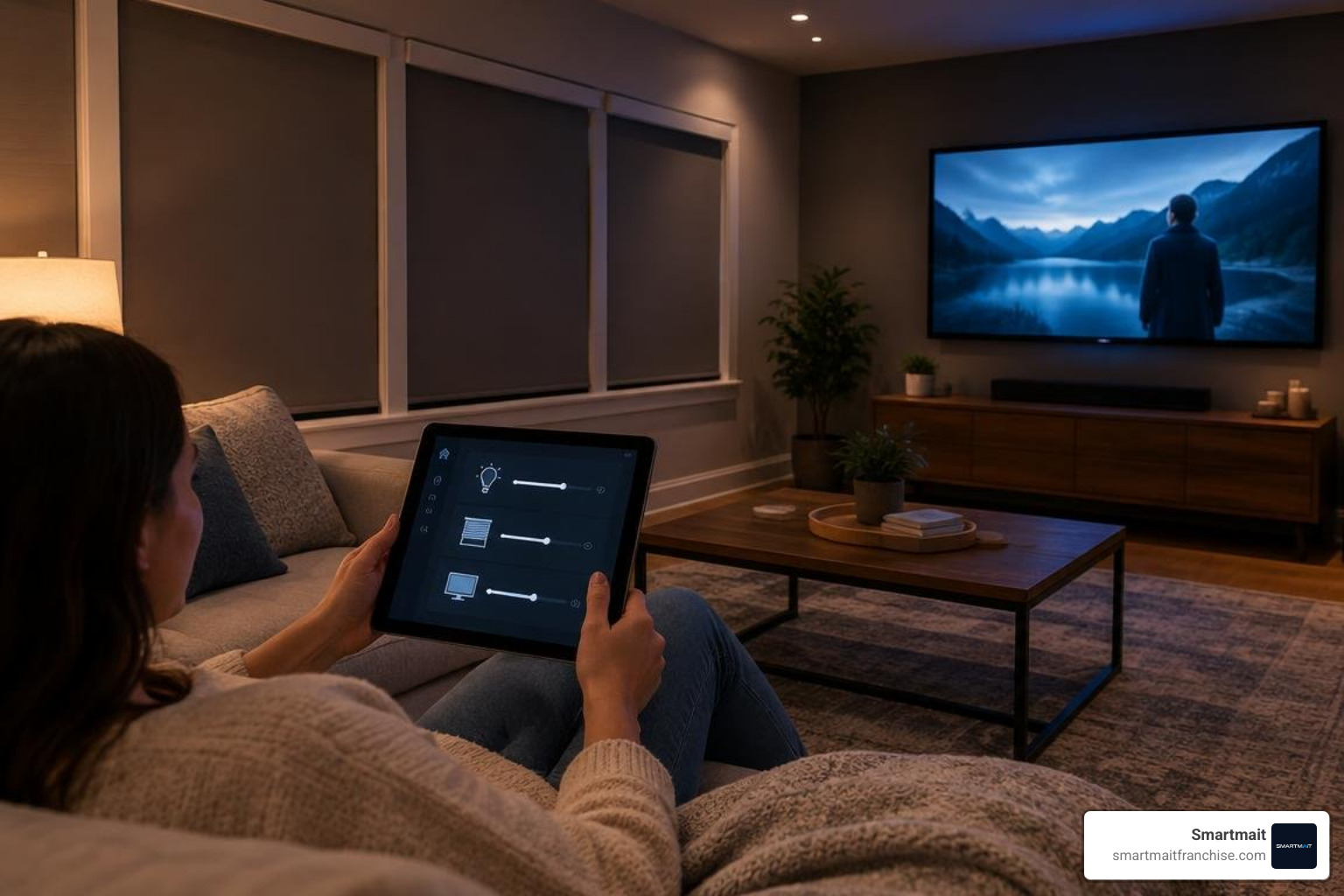
Smart Home Scene Automation: A Scalable Service Opportunity
Smart home scene automation lets an integrator set several connected devices to known states with one command, such as dimming lights, closing shades, adjusting climate, and switching media inputs for Movie Night. In professional home automation, the business value for a franchise operator is not the one-time setup. It is the ability to turn scene design into a repeatable service package that includes system tuning, seasonal updates, and ongoing maintenance memberships.
For prospective franchise owners and established integration businesses considering conversion, scenes are more than a convenience feature. They create a standardized service offering that supports recurring client relationships and long-term business scalability beyond owner-dependence. A well-designed scene also supports client efficiency goals by coordinating lighting, plug loads, and environmental settings when spaces are unoccupied.
Smartmait offers franchise territories in the U.S. low-voltage and smart-building integration industry for operators who want to deliver these systems with consistent processes and structured customer support.
I am Dominic Hesano, a franchise development professional and business operator focused on Smartmait, smart-building technology, low-voltage systems, and recurring service models. My work in smart home scene automation centers on helping operators build dependable, supportable technology services rather than one-off installations.
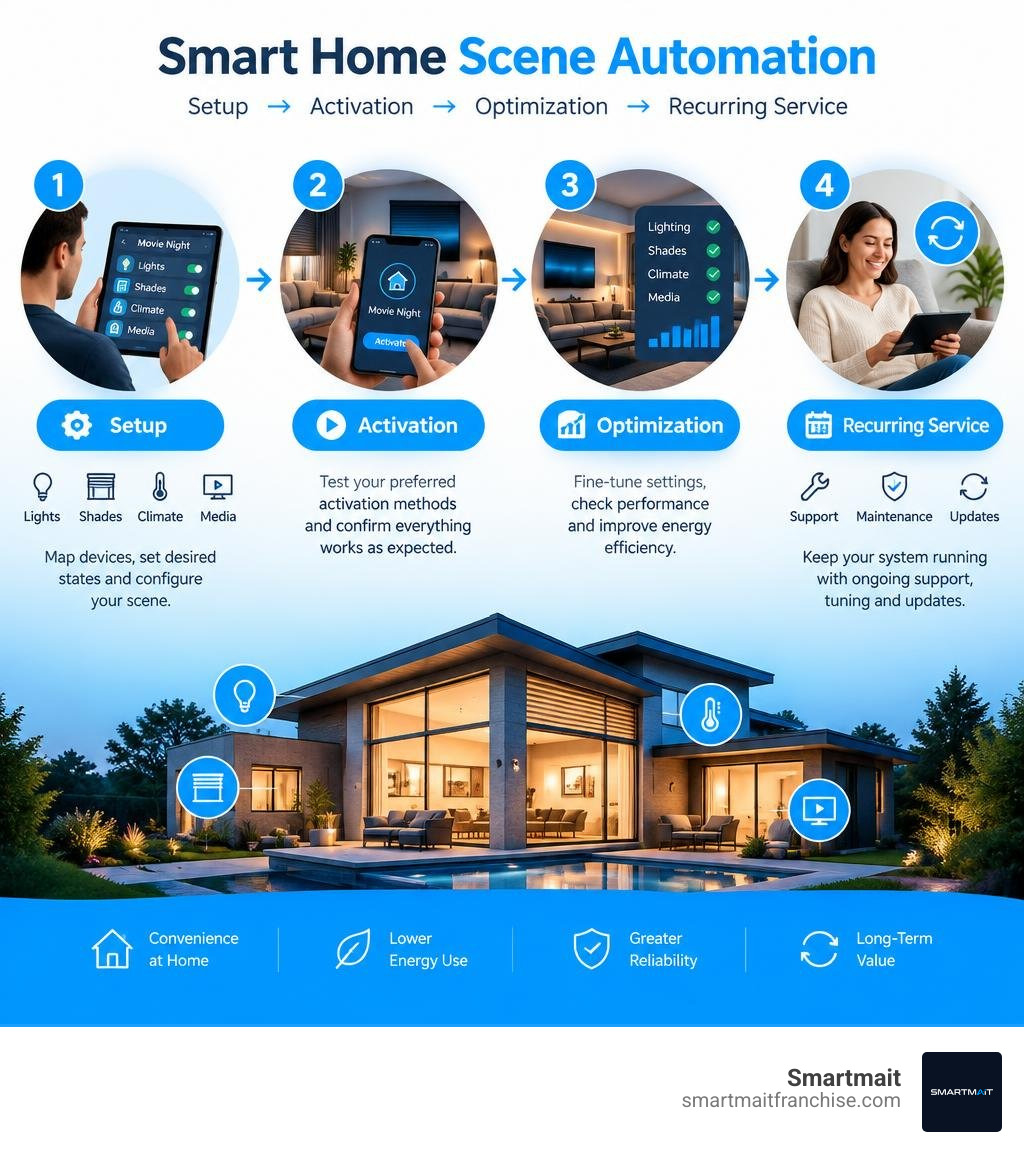
Simple smart home scene automation glossary:
Understanding Scenes vs. Automations and Scripts
When building a scalable integration business, establishing standard definitions across your field service team is essential. Misunderstandings between scenes, scripts, and automations lead to messy code, difficult troubleshooting, and unpredictable technician callouts. Understanding foundational home automation basics ensures your engineering team designs clean architectures that remain stable over years of operation.
| Feature / Dimension | Scene | Script | Automation |
|---|---|---|---|
| Primary Definition | Static, stateless snapshot of target entity states | Reusable sequence of executable actions and logic | Event-driven rule combining triggers, conditions, and actions |
| Execution Timing | Applied immediately across target entities | Executes sequentially with optional pauses/delays | Executes automatically upon trigger condition match |
| Logic & Conditions | No internal logic or conditional branches | Supports if/else conditions, loops, and delays | Full conditional rule evaluation pipelines |
| State Tracking | Stateless (records timestamp of last activation) | Active state (idle or running) | Enabled or disabled status |
| Franchise Use Case | Preset room modes (Movie, Dinner, Goodnight) | Staged AV power sequences, multi-step actions | Hands-free scheduled, presence, or sensor triggers |
Core Differences: Scenes vs. Automations
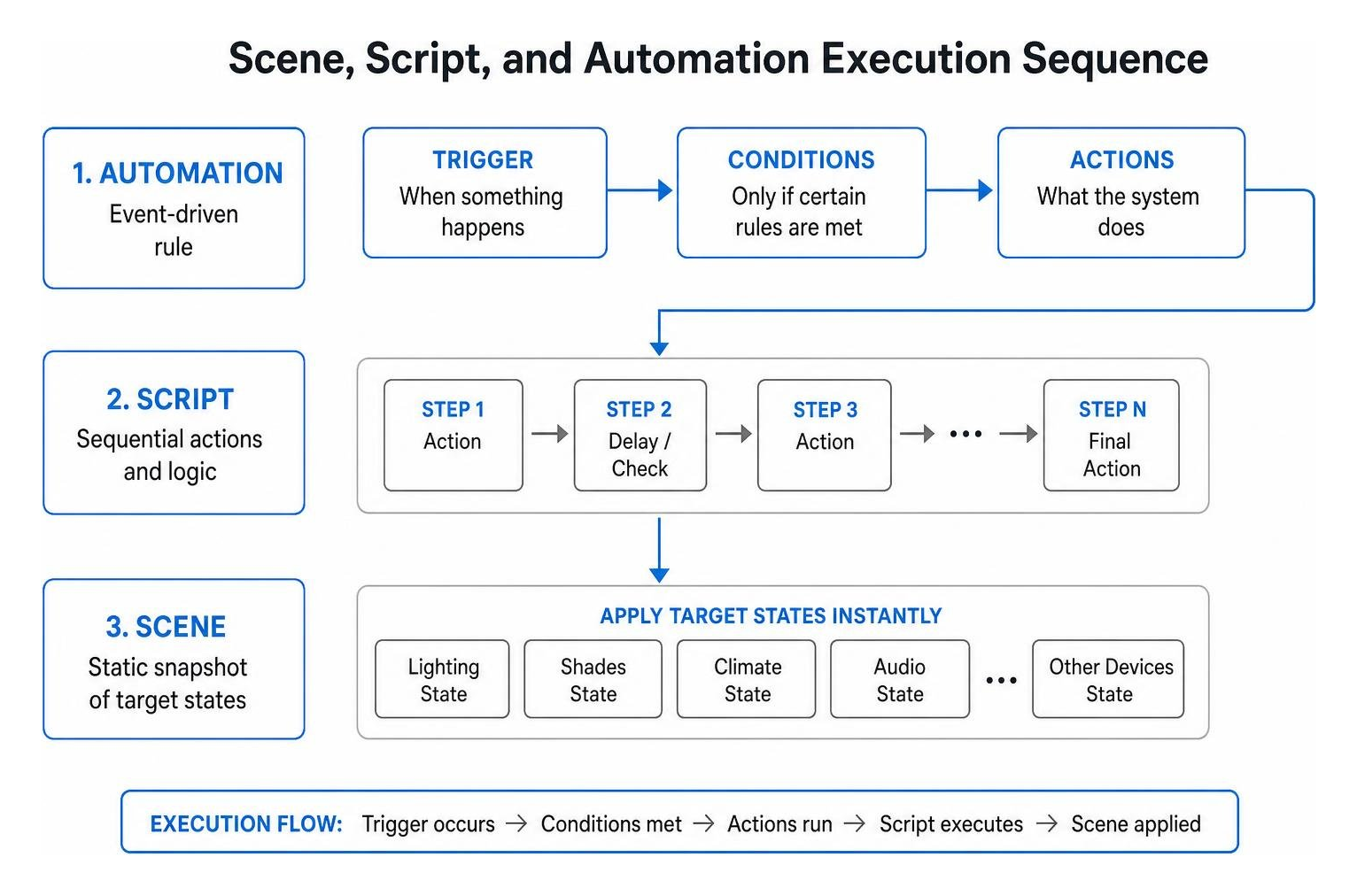
A scene represents a static destination: it defines what devices should look like, sound like, or feel like at an exact moment. It has no brain of its own to decide when to execute. In contrast, an automation is an event-driven engine composed of three parts: triggers (when something happens), conditions (only if certain rules are met), and actions (what the system does).
For low-voltage business owners evaluating standardized delivery, separating scenes from automations allows your team to build modular systems. Technicians can adjust the lighting levels in a “Goodnight” scene without breaking the complex scheduled automation that calls it at 11:00 PM. This modularity also supports franchise operating standards, because documented scene definitions can be reused across client projects and service agreements.
When to Use Scripts Alongside Scenes
While scenes snap multiple entities to explicit states instantly, certain hardware requirements demand sequential execution. For example, powering on an AV receiver, waiting four seconds for the HDMI handshake, switching inputs, and setting sub-zone volume requires a script. Scripts provide the necessary delays, conditional checks, and step-by-step logic that pure scenes lack.
Standardizing when field technicians deploy a script versus a scene prevents network flooding and ensures smooth commissioning across all customer installations. For franchise operators, that standardization also creates a training framework that can be taught consistently to new technicians.
How to Build and Configure Your First Scene
A core strength of a structured franchise model is moving away from ad-hoc field installations toward documented, repeatable configuration workflows. Whether your technicians commission systems using graphical user interfaces or underlying configuration templates, consistent execution protects your brand reputation and operational standards.
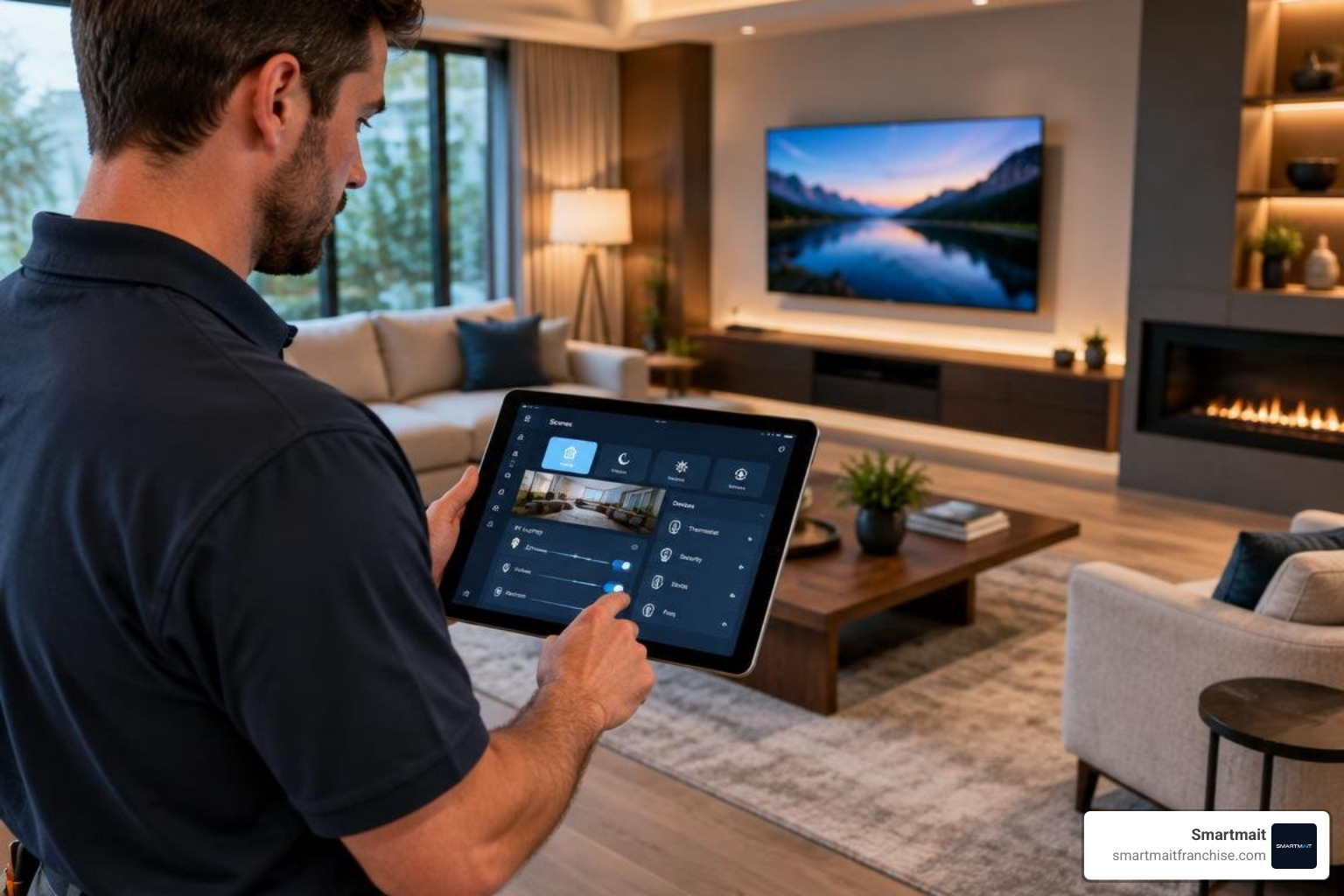
Standardized service staging establishes consistent profiles for smart home lighting control across target brightness ranges, calibrated color temperatures, and integrated sub-system states before signing off on client handover.
Visual UI Setup vs. YAML Configuration
In modern control platforms and smart-building ecosystems, integration businesses standardize their commissioning protocols through two core deployment pathways:
- Visual Interface Workflows: Enable field technicians to visually capture live room environments and assign them to standardized client profiles quickly.
- Standardized Configuration Templates: Allow central engineering teams to establish baseline templates with predetermined parameters for deployment across multiple project types.
Documenting these configuration standards allows new technicians to onboard rapidly without reinventing custom setups on every job site. For an established integration business evaluating conversion to a franchise network, standardized documentation forms an operational backbone that reduces technician training cycles and supports service consistency.
Multi-Protocol Scene Activation Methods
A robust installation provides clients with intuitive, multi-modal control pathways:
- Dedicated Keypads & Controllers: Physical low-voltage keypads engraved with standardized labels like Welcome, Entertain, and Away.
- Central Dashboard Displays: Dedicated touch interfaces mounted in central living or operational areas.
- Voice Control Systems: Integrated configurations enabling voice command presets through smart home voice commands.
- Automated Sensor Logic: Hands-free background triggers aligned with occupancy and environmental schedules.
Standardizing these activation pathways across a franchise territory ensures high client satisfaction and gives operators a clear framework for technician onboarding and ongoing customer support.
Advanced Smart Home Scene Automation Strategies
As homes incorporate dozens of multi-protocol smart devices, basic scenes can suffer from latency, dropped commands, and network collisions. Implementing advanced architectural standards ensures high reliability across all customer projects.
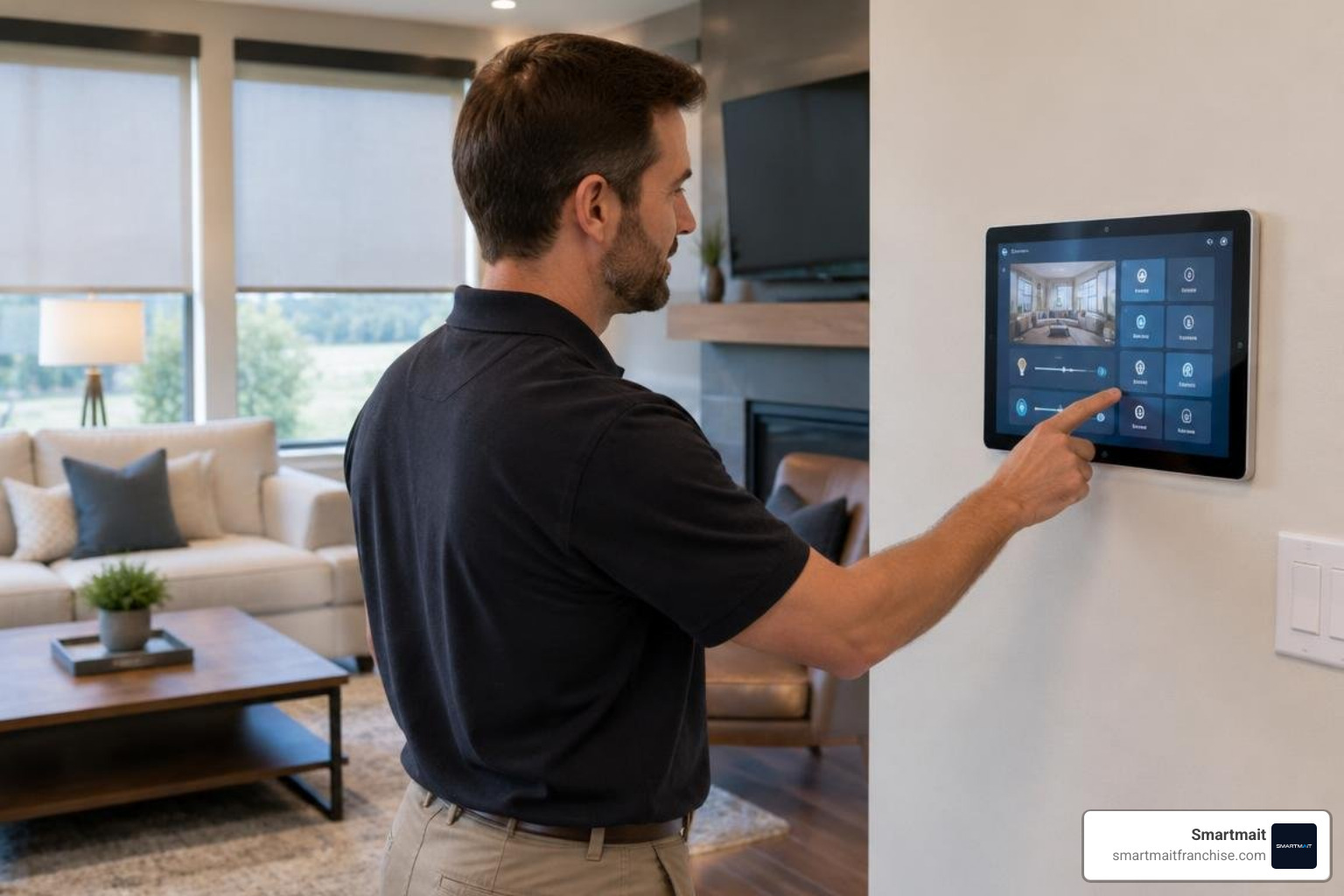
Dynamic Smart Home Scene Automation with Adaptive Lighting
Modern smart homes demand dynamic environments that follow human circadian rhythms. Integrating adaptive lighting algorithms adjusts the color temperature of fixtures throughout the day—delivering cool, energizing white light at midday and warm, amber hues at sunset.
When designing scenes that interact with dynamic lighting integrations, integrators must establish manual control overrides. If a client triggers an explicit “Reading Scene,” the automation platform must temporarily suspend the automated circadian adjustments on those fixtures until the scene is dismissed or reset. Building these advanced capabilities into ongoing maintenance packages positions your integration business as an essential technology partner.
On-the-Fly Smart Home Scene Automation Using Snapshots
Advanced installations often require capturing temporary states rather than activating static presets. For instance, when a doorbell rings or an intercom call initiates, an integration system can use dynamic snapshot actions (such as scene.create with snapshot_entities) to save the live state of active lighting and media zones.
Once the visitor finishes or the call ends, the system automatically restores the cached snapshot. Developing standard procedures for dynamic snapshots gives your technicians an easy blueprint for delivering premium user experiences and supports the kind of documented service model that franchise operators can scale.
Practical Daily Scenes and Energy-Saving Impact
Integrating scene control with proactive energy management creates substantial value for clients while establishing ongoing optimization opportunities for your service business.
A comprehensive integration framework utilizes top smart home automation products to eliminate wasteful consumption across residential and light commercial properties:
- Connected Thermostats: Regulate HVAC runtime to deliver measurable climate efficiency.
- Managed Plug Loads: Eliminate phantom power drain across unused media and office appliances.
- Coordinated Lighting Profiles: Combine dimming curves with occupancy sensing to optimize electrical utilization.
- Comprehensive Building Systems: Synchronize shading and environmental controls to lower overall thermal transfer.
Essential Daily Scene Configurations
Standardizing a menu of core scenes simplifies project scoping, technician training, and customer onboarding:
- Good Morning: Gradually raises window treatments, shifts climate controls to active daytime comfort, and brings accent lighting to crisp daylight levels.
- Movie Night: Dims ambient lighting, engages accent backlighting, lowers motorized shades, and routes media distribution zones.
- Away Mode: Sweeps non-essential lighting off, sets HVAC to eco efficiency profiles, secures motorized deadbolts, and arms exterior perimeter sensors.
- Bedtime: Deactivates main living zones, maintains low-level pathway illumination, and confirms building perimeter security.
Maximizing Household Energy Efficiency
Educating clients on energy efficiency allows integrators to package seasonal tuning and recurring optimization reviews. Scheduling semi-annual checkups to adjust thermal setpoints, update shading schedules, and review load profiles transforms transactional client relationships into long-term service agreements.
Establishing Quality Assurance and Operational Standards
Independent integration businesses often struggle to maintain field efficiency when technicians spend unbilled time resolving inconsistent commissioning outcomes across projects. Developing standard operating procedures and quality assurance runbooks resolves these issues systematically across a growing team.
Standardizing Documentation and Quality Control
Inconsistent commissioning results typically stem from a lack of documented, repeatable processes across a growing technician workforce. Rather than leaving field staff to develop ad-hoc approaches independently, franchise operational standards establish clear guidelines:
- Centralized commissioning checklists that keep every technician working from the same playbook.
- Standardized documentation templates that record project configurations for future service visits.
- Structured quality-control sign-offs before a project is considered complete.
Maintaining Operational Consistency Across a Growing Team
As an integration business scales, unified naming conventions, shared documentation standards, and centralized training materials help new technicians onboard quickly and consistently. Franchise operating procedures that formalize these standards protect brand reputation and support long-term customer relationships across recurring maintenance visits, while giving business owners a clear framework for training and quality assurance as they grow beyond owner-dependence.
Frequently Asked Questions About Smart Scenes
What is the main difference between a scene and a routine?
A scene is a static snapshot that sets multiple devices to specific states at that exact moment. A routine (or automation) is an active program that monitors triggers—such as schedules, motion sensors, or geofencing boundaries—and executes actions (like activating a scene) when defined conditions are met.
Can I create and apply scenes without defining them in YAML?
Yes. Modern smart home platforms feature visual UI scene builders that let you adjust room devices manually and save their current states. Integrators can also generate runtime scenes on the fly using action commands that capture live entity states dynamically without editing configuration files.
Why does Adaptive Lighting override my custom scene settings?
Dynamic circadian integrations continuously monitor and update light brightness and color temperature based on sun position. If a scene manually forces a specific light color without setting a manual override flag, the adaptive integration will overwrite the scene values on its next update cycle.
Conclusion
Mastering scene design, protocol management, and energy optimization allows professional integrators to deliver seamless, dependable living environments. Moving away from haphazard, unstandardized installations toward documented, repeatable processes is the key to scaling an integration company beyond owner-dependence.
Smartmait provides franchise territories across the United States for forward-thinking entrepreneurs and independent low-voltage integrators seeking to scale their operations through proven operating models, centralized training, and recurring service agreements.
To explore available territories and evaluate our franchise partnership model, learn more about Smartmait smart home and low-voltage franchise opportunities and request franchise information today.